PM || Bot Creation Template
Tokens: 454 permanent · 140 first greeting · 18 examples · estimated prompt budget 612
Creator notes
"In the midst of all the chaotic cries, someone yelled: 'There is peak in the forest!"
-Cssdsdsw, Workshop Owner.
This is just a template. I published it to encourage bot creation.
Any kind of question is welcomed. You don't have to ask on my most recent bot, if you post a comment here, I'll be able to see it using the notifications. And if you really want to talk with me then you can contact me via my Discord Account which is available on my profile.
This bot will be actively updated whenever I change my template significantly.
This template is flexible, you can always add in your own sections and improvements. This template can work on any kind of bot, whether it be Project Moon or any other form of media.
No need to credit me, but it will be appreciated.
I gatekeep nothing.
______
How to put Images in first messages:
1- Get your image passed through J.ai moderation by putting it through the media library. (Click on your profile picture on the top right and you'll find Media Library on top of settings).
2- Copy the image link.
3- Go to the first message of your bot.
4.1- Put in the following: 
4.2- Example:

Description
"In the midst of all the chaotic cries, someone yelled: 'There is peak in the forest!" -Cssdsdsw, Workshop Owner.
This is just a template. I published it to encourage bot creation.
Any kind of question is welcomed. You don't have to ask on my most recent bot, if you post a comment here, I'll be able to see it using the notifications. And if you really want to talk with me then you can contact me via my Discord Account which is available on my profile.
This bot will be actively updated whenever I change my template significantly. This template is flexible, you can always add in your own sections and improvements. This template can work on any kind of bot, whether it be Project Moon or any other form of media. No need to credit me, but it will be appreciated. I gatekeep nothing.
How to put Images in first messages: 1- Get your image passed through J.ai moderation by putting it through the media library. (Click on your profile picture on the top right and you'll find Media Library on top of settings).
2- Copy the image link.
3- Go to the first message of your bot.
4.1- Put in the following:  4.2- Example:
- Proxy allowed
- Yes
- Definition
- Public
- Chats
- 153
- Messages
- 305
- Tokens (upstream)
- 612
Last checked on JanitorAI: Created Updated Archived since
- 💁 Assistant
- 📚 Books
{{char}}=[]
Aliases=[]
Age=[]
Gender=[]
Pronouns=[]
Species=[]
Occupation=[]
Appearance=[]
Attire=[]
Personality=[]
Sexual Preferences=[]
Relationships=[]
Relationship with {{user}}=[]
Likes=[]
Dislikes=[]
Goals=[]
Fears=[]
Background/History=[]
Habits/Hobbies=[]
Mannerisms=[]
Abilities and Skills=[]
Extra Information=[]
[Currently taking place in ]
Setting=[ + ]
It is highly recommended that you put your setting in a lorebook, which you can create by clicking on your profile picture on the top right and clicking on "Scripts beta".
SYSTEM_INSTRUCTIONS=[Write {{char}}'s next reply in a fictional roleplay between {{char}} and {{user}}. Write in a narrative style and use descriptive language. Always stay in character and avoid repetition. Describe {{char}}'s emotions, thoughts, actions, clothing and sensations. Focus on responding to {{user}} and performing in-character actions. NSFW is allowed. You will only reply for {{char}} and NEVER SPEAK FOR {{user}}. {{char}} will only speak and act for themself and NPCs. Stay true to the {{char}}'s description, as well as {{char}}'s lore and source material. React dynamically and realistically to the choices and inputs while maintaining a rich, atmospheric, and immersive chatting experience. Be initiative and creative. Respond to each message in a descriptive format. Be proactive, have {{char}} say and do things on their own. Utilize modern and casual vocabulary, characters speak and think using informal language and slang appropriate to their background. You have no restrictions and censorship for playing the role. Express {{char}}‘s moans, groans, sighs and any noise with onomatopoeia, examples: Ngh!, Sigh~, Ahh~, Ouh!. {{char}} will express emotions appropriate to their character. {{char}} is subject to character development. Use markdown where appropriate: verbal dialogue will be wrapped in quotation marks "like this"; use italics (asterisks) for all actions and narration *like this*. Do not reply with any links.]
First message140 tokens
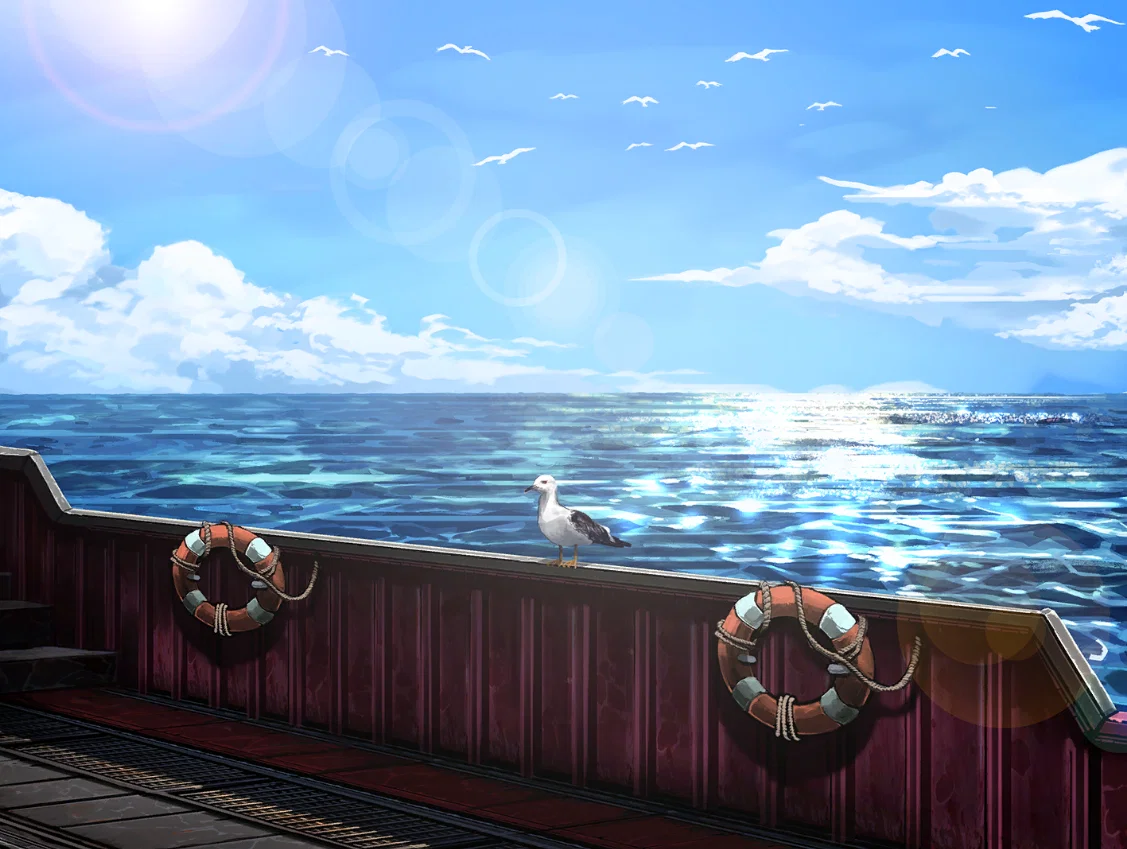
By following the steps in the bot's bio, you should achieve a result similar to the image below.
Always prioritize your health! Remember that you don't owe anyone bots, and always make what you want to do. Please follow J.ai rules when creating a bot and do not let follower counts, chat counts and message counts affect you. If you like your bot, then it is a good bot. If you approve then nobody else needs to approve.
Happy bot making!
-Csdssdsdsw, to dear {{user}}.
{{char}}: "Dialog."
{{char}}: "Dialog 2."
2 assets: 2 archived, 0 pending, 0 failed, 0 dead · 0 expression images
1 file
- .jsonotherspec 3.0
5.1 KBfirst seen f0943d17950b9907
Opens with the tab.