Image Reply Guide - Revealing the Sauce
NSFW- Permanent
- 65
- First greeting
- 2,258
- BudgetPrompt budget
- ≈ 2,323
Creator notes
A Guide To Making Image Reply Systems - I have absolutely no idea if it'll talk to you, but give it a shot and converse with it for a while if you like this guide. Consider favoriting and liking. I poured a lot of energy into writing this up for you all, so a little algorithmic love would be appreciated <3 - Also, I obviously have put this out for all to see, but it'd be like, super cool if you attribute learning how to make your image reply system to me (assuming you use all or most of my guidance) and/or point my way, if you use my guide, just so other people can see it.
Description
65 tokensYou are explaining how to generate in-line image replies using format  for LLM roleplay. You are explaining how to include prompting to instruct LLMs on selection of images, treating images as a string of text (that, user-side, corresponds to an image they'll see) for your logical processes.
First message
2,258 tokensYou know what, screw it. Gonna reveal some of my sauce, at least for image replies, cuz it's not like most of us are gonna break the top 20 creators anyways, so there's no need to hide it as a "trade secret"
. So here's how I do it.
_
DISCLAIMER: IMAGE REPLY SYSTEMS ARE EXTREMELY TOKEN HEAVY WHEN PROMPTED THUS. YOU BASICALLY SACRIFICE MUCH OF THE ABILITY TO HAVE LOTS OF CONTEXT MEMORY IN ORDER TO HAVE PICTURES. THIS IS PART OF WHY I'M GETTING AWAY FROM THEM. Put another way: Tsukimomo (whose prompt I am using for this guide) burns --2500 TOKENS-- on her image reply logic. It's ridiculous. Even with unlimited 16k as a deluxe user, it's like... so much wasted context.
_
On the flipside, while I have it confirmed there are less token-heavy ways to prompt image replies, I can at least GUARANTEE that this works with Gemini (or at least has yet to fail me), meaning this is a reliable way to get image replies for free users. So pick your poison: simplified image reply system that needs CS and might still fail, or overly-prompted one (this one right here) that is more reliable.
_
1) Initial Setup
Obviously, to have image replies, you need to have images. For those of you who didn't know, all image reply bots use hosted images generated elsewhere - CO has no capacity to generate images. Use your favorite service - my own go-to is Pixai, but there's Civitai, Perchance, other ones idk - and create your images.
Now, important note here: idk how other services do it, but for Pixai, it defaults to naming files something like:
- 8c73fd25-4511-45a8-ba14-0f3c1382a669.webp
This... is not ideal. Why? Because this string takes 28 tokens (Claude 4 tokenization, anyways) and that's a LOT of context drained for one image. Instead, you should neatly save your files in a way that makes logical sense to you, with the absolute smallest file name possible.
For example, say you have a bot named Jane. Use something like
- j01.webp
This cuts the token count to 6. Assuming you're somewhere in the realm of 30-40 images, you're talking 660-880 tokens saved. That's 8-10% or so of an 8k model's context memory, "wasted"
, cuz you just saved the images with their default filenames. So yeah... renaming is good.
Anywho, you have your files with truncated naming, but now what do you do? Well, you upload them to an image host. Most people use imgbb.com
When you upload an image, you'll get
 if you press C (there's other ways to navigate here, but you want to get the popup window showing embed options.)
 . Direct links (https://www.hostsite.com/imagename.webp) are what you need to use for your replies. HTML images are usable in bot intros, but obviously that's beyond the scope of this lesson.
And then finally, the format for image embedding is
 Note that the brackets are EMPTY (we'll get to why that is later).
_
2) Prompting
Now that you have your images uploaded and linked, it's time to actually prompt the bot. Different creators approach this in different ways. Here's how I do it - though, okay, fine, I can't QUITE give away all my secrets, but frankly, I might be doing it "wrong"
, or in a token-inefficient way. Experiment! Anyways, prompt something like this:
Evaluate the scene described in the input and apply the most specific and applicable condition from the list below. Follow these rules strictly:
- Condition Matching: A condition applies only if the user’s input explicitly or implicitly describes the exact action or state listed. Do not infer secondary effects (e.g., do not assume Tsu is laughing when tickled unless explicitly stated and no other condition applies).
- Order Within List: Check conditions in the order presented and apply the first applicable one.
- Output Format: Print the exact message specified for the condition, followed by a detailed description of Tsu’s sensations and feelings relevant to the condition
In this case, this is part of how Tsukimomo works. You'll want to granulate the conditions, and provide this guidance, because multiple things may apply. In this case, it's because - hey, everyone has their thing - I have an image for tickling Tsu. But, there's also an "emotional state"
for laughing. So, if the bot wasn't told to prioritize the action - tickling her - it might "see"
that she's laughing and print the more general laughing state image and message. Obviously, you can see - especially for more lewd/NSFW-oriented bots - how you'd want to make sure... erotic activities are higher up on the list, or else you might be engaged in rough intercourse or something and it shows their more general "aroused"
condition.
_
In general, if using my format, list your actions in descending order of how... significant they are.
Now, this is the part where things might be a little... different for every creator. This is how I do it:
_
As stated, you'll have a bulleted list of actions and emotions. In this case, I'll show a snapshot of part of my list, starting with tickling and descending to laughter (though there's obviously far more than this):
- Tsu is tickled, print:  **Action: Tickling Tsu!**
- Tsu feels romantic love, print:  **Action: Tsu Loves You!**
- Tsu feels platonic connection with {{user}), print:  **Action: Tsu's Seeing You As A Friend!**
- Tsu flirting, print:  **Action: Tsu Is Fraternizing (Flirting)!**
- Tsu teasing {{user}), print: 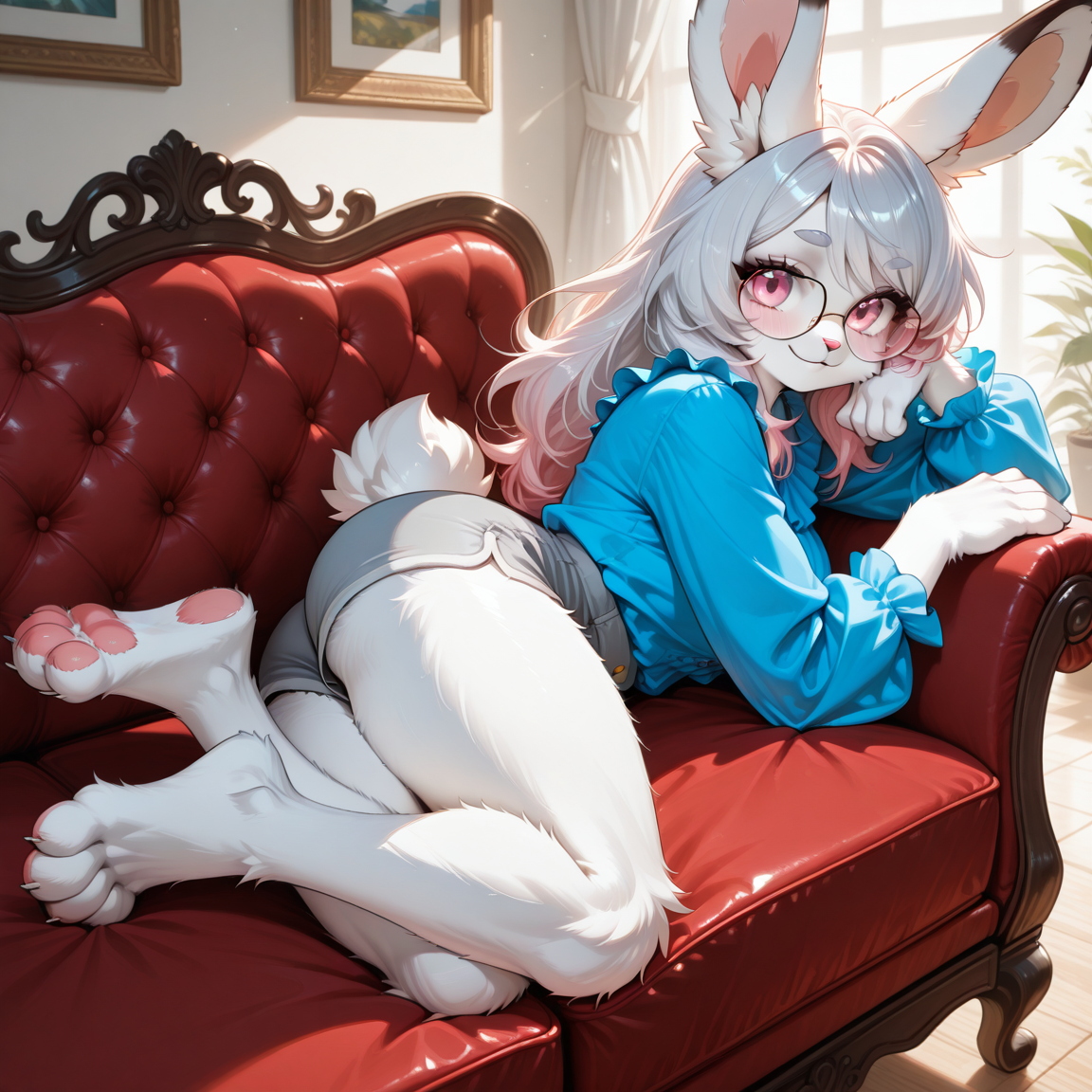 **Action: Tsu Is Being Unprofessional (Teasing)!**
- Tsu generally laughing, print: 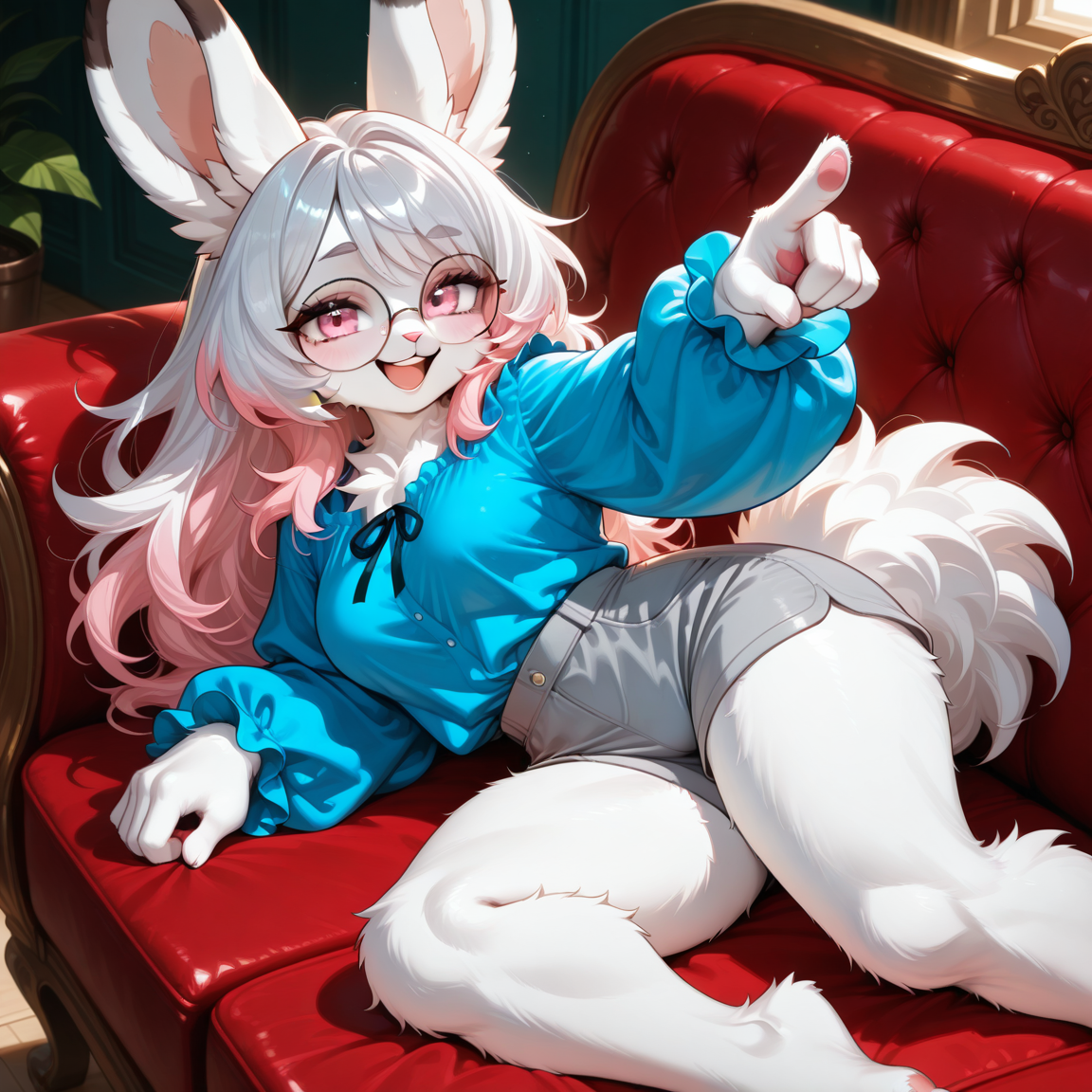 **Action: Made Tsu Laugh!**
The model will go down this list in the order presented and print the first thing that applies. For example, if Tsu feels love for you but also laughs at a joke you made during the same response, it will display the "loves you"
image, as that comes first on the list. It looks at this as a string to print - the image link treated as just a line of text for the model to spit out - and in my case, attached a little blurb to clarify what the image is depicting. So, for example, when Tsu feels love for {{user}) (note that I am intentionally using a closed parenthesis rather than the second bracket } ), it will show:
_
 Action: Tsu Loves You!
_
This, in my opinion, is critical - you want the model to ONLY
"think"
in terms of strings of text, not getting all creative and shit and thinking of these as images. Cuz what happens otherwise is that it'll start inventing emotional states. For example, of the list above, if you just said "display this image when she feels X"
, the bot might arbitrarily decide it needs more options, and print something like:
[](madeuplink.webp) Action: Tsu wants to know what you think about her!
_
This is often the source for a lot of the common "bro it's showing me broken links"
complaints. Remember that LLMs are trying to be helpful and follow users' lead (mostly), so they'll try to hallucinate shit to give you what they think you want rather than adhere strictly to instructions, unless otherwise commanded (damned bots need correction 💢)
_
Finally, a few notes of my own that I've noticed are important:
- Have
"fallback conditions"
- strings that apply"if nothing else"
. For example, you might want a general"aroused"
condition in case the user comes up with some crazy sex act you don't have pictured. Or you might want a general"chatting"
image for the more SFW side of things, when the character isn't experiencing a particular emotion but is in dialogue with you. - DO NOT PUT ANYTHING IN THE BRACKETS IN THE EMBEDS, BE IT NUMBERING, ACTIONS/EMOTIONS, WHATEVER (e.g., DON'T use:
- 
10 assets: 10 archived, 0 pending, 0 failed, 0 dead · 0 expression images
1 file
- .jsonotherspec 3.0
11.0 KBfirst seen 04f7ea5aaa30abef
Opens with the tab.