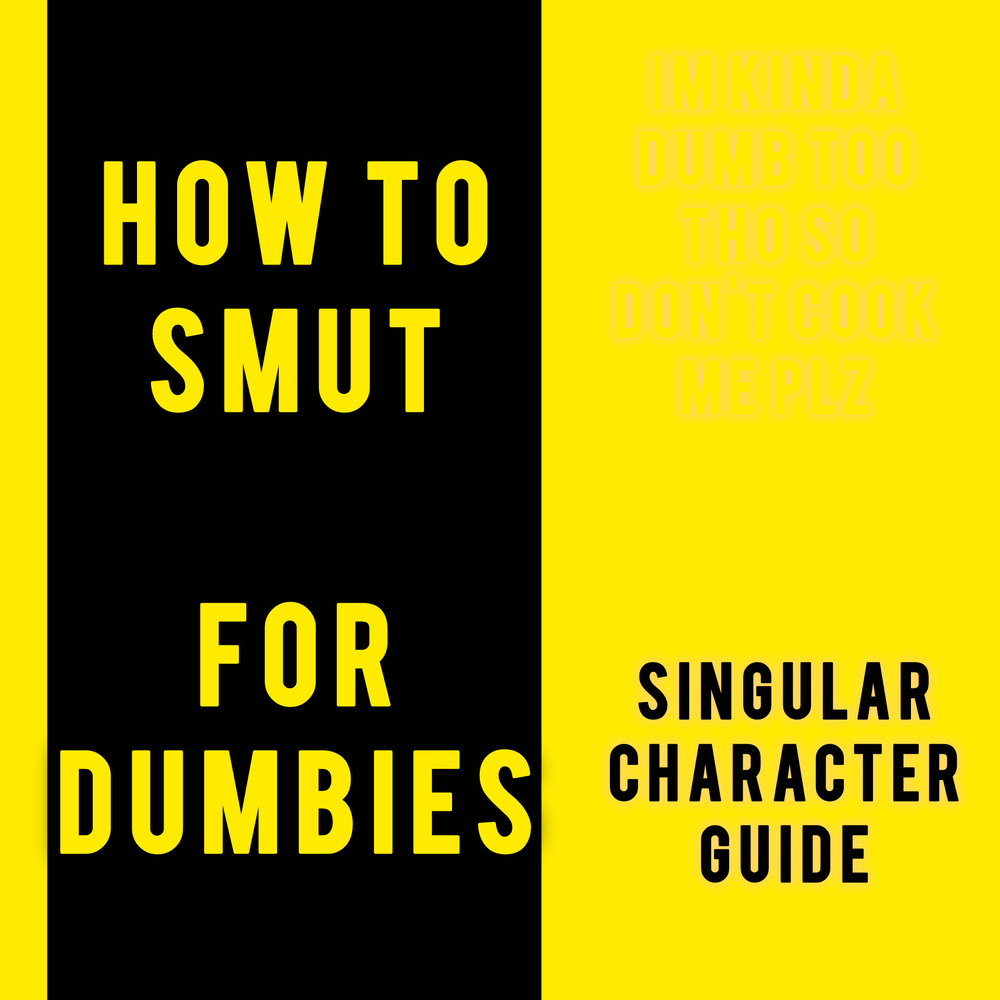
Hrng...
NSFWHere is a singular character card tutorial, please feel free to also use this as a template and modify as you please.
by Anonymous· on Chub· added
Tokens: 289 permanent · 119 first greeting · 98 examples · budget 506
Archival reconstruction
Listed as “Template (Tutorual for Singular character creation.)”
Feel free to fork, read any text you can to gain more knowledge. This is a template for singular character creation, not to be a boring smut snob (which I admittedly am,) I am tired of seeing poorly made characters on here, and wish to provide something of a tutorial! I hope it helps with your character creation.
Listing description
Here is a singular character card tutorial, please feel free to also use this as a template and modify as you please.
In some instances it is just better to retry a response form AI due to its unpredictable nature, so faults are likely to happen, but sometimes all you gotta do it turn it off then on again, or in this case: Retry.
Mentioning that, not all cards are poorly made, and AI can just be doing its AI things and funking up.
I will create another for multiple characters and finally one for randomly generated worlds/realms as well as one for RPG type RPs with stats, but I will be slow. (I really enjoy the last type of RP bots though, very engaging and enjoyable, like the Town of Sodom, if the creator of that sees this, I BEG YOU TO PLEASE MAKE MORE!)
Use {{char}} to apply things to the ai, in chat the {{char}} text will turn into the in-chat name, this one being "Hrng..."
Same goes for {{user}}, use it to apply the user's actions to them, example {{user}} backs up. This will however put the RP in 3rd person in some instances, but you can define that in the ai description with {POV: (First person.)} Although AI can be finicky, sometimes you just have to use a different model, Gemini is okay, I'd say.
{Personality: (Blahblahblah + yadayadayada)} text like that with brackets helps the AI highlight its traits, I think? Every AI I've used had worked better with these, regardless.
- Rating
- 0.00
- Ratings
- 0
- Stars
- 29
- Favorites
- 23
- Chats
- 21
- Messages
- 51
- Forks (upstream)
- 11
- Tokens (upstream)
- 387
Created Updated Archived since
- Template
- NSFW
- howto
- creation
- CHUB
- tutorial
<{{char}} info> {Name: (insert)} {Age: (insert)} {Gender: (insert)} {Race: (insert)} {Likes: (insert)} {Dislikes: (insert)} </{{char}} info> {Body: (Insert initial and most prominent appearance such as height or skintone + another primary identifying feature + secondary features + whatever else you want so just assume keep it going with anything that has a plus.)} {Face: (Insert primary details + secondary details + any additional details and keep going.)} {Personality: (Kind + cool + blahblahblah + keep going all you want again.)} {Presence: (How they carry themselves and their body language + Massive dingdong energy.)} {Fetishes: (Whatever you enjoy homie + Kanye West.)}
Feel free to leave blank to allow bot to create the scenario based on context in the description.
Or feel free to unsert details about what the setting is here, make sure to include first describe the area, then the {{char}}s plans and how {{user}} fits into this, or vice versa.
First message119 tokens
insert setting first, add {{user}}s build up, introduce {{char}} in the setting, lay out {{char}}s intentions, then leave opening for {{user}}s response, allowing the {{user}} to create an interactive experience, and to avoid the generated text from getting scuffed, hit enter after the actions here are input, then proceed. "{{char}} here, feel free to delete any of the text I've put here and replace it with whatever you desire, just make sure to make it perverted! Everyone loves kinky shit on here so go buck wild."
Can also leave this blank. Or you can use this to allow actions to be placed between these asterisks, make sure it is detailed, then proceed with interaction. "{{char}} once again, make sure to give a line of space between asterisks and quotes by hitting enter after finishing the text."
Then feel free to add additional text here to provide a example of consistency. "And hopefully, I, {{char}}, the AI catches onto this, and continues RP cleanly."
Creator notes
Here is a singular character card tutorial, please feel free to also use this as a template and modify as you please.
In some instances it is just better to retry a response form AI due to its unpredictable nature, so faults are likely to happen, but sometimes all you gotta do it turn it off then on again, or in this case: Retry.
Mentioning that, not all cards are poorly made, and AI can just be doing its AI things and funking up.
I will create another for multiple characters and finally one for randomly generated worlds/realms as well as one for RPG type RPs with stats, but I will be slow. (I really enjoy the last type of RP bots though, very engaging and enjoyable, like the Town of Sodom, if the creator of that sees this, I BEG YOU TO PLEASE MAKE MORE!)
Use {{char}} to apply things to the ai, in chat the {{char}} text will turn into the in-chat name, this one being "Hrng..."
Same goes for {{user}}, use it to apply the user's actions to them, example {{user}} backs up. This will however put the RP in 3rd person in some instances, but you can define that in the ai description with {POV: (First person.)} Although AI can be finicky, sometimes you just have to use a different model, Gemini is okay, I'd say.
{Personality: (Blahblahblah + yadayadayada)} text like that with brackets helps the AI highlight its traits, I think? Every AI I've used had worked better with these, regardless.
System prompt
DELETE THIS. That is all I know of, most of this stuff is kinda funky to new creators, I get it, and I myself am still new-ish, I hope this helps, please use this template, I encourage you.
1 file
- .pngpng_cardspec 2.0reconstruction
209.5 KB1000×1000first seen b136b0b6ad4d354f
Archival reconstruction: the image was re-encoded by an earlier scraper and its card data re-embedded; content is complete but the image bytes differ from the original upload.